Most teams use Social Snowball’s Klaviyo, Dotdigital, and Postscript integrations for regular communications with their affiliates. They set up automated emails that reach affiliates at key moments like onboarding and program updates.
But for one-off, timely messages, like product launches, seasonal promotions, and campaign announcements, setting up a separate email flow for each message can add unnecessary work.
Social Snowball now lets you send email blasts to your affiliates directly in your dashboard.
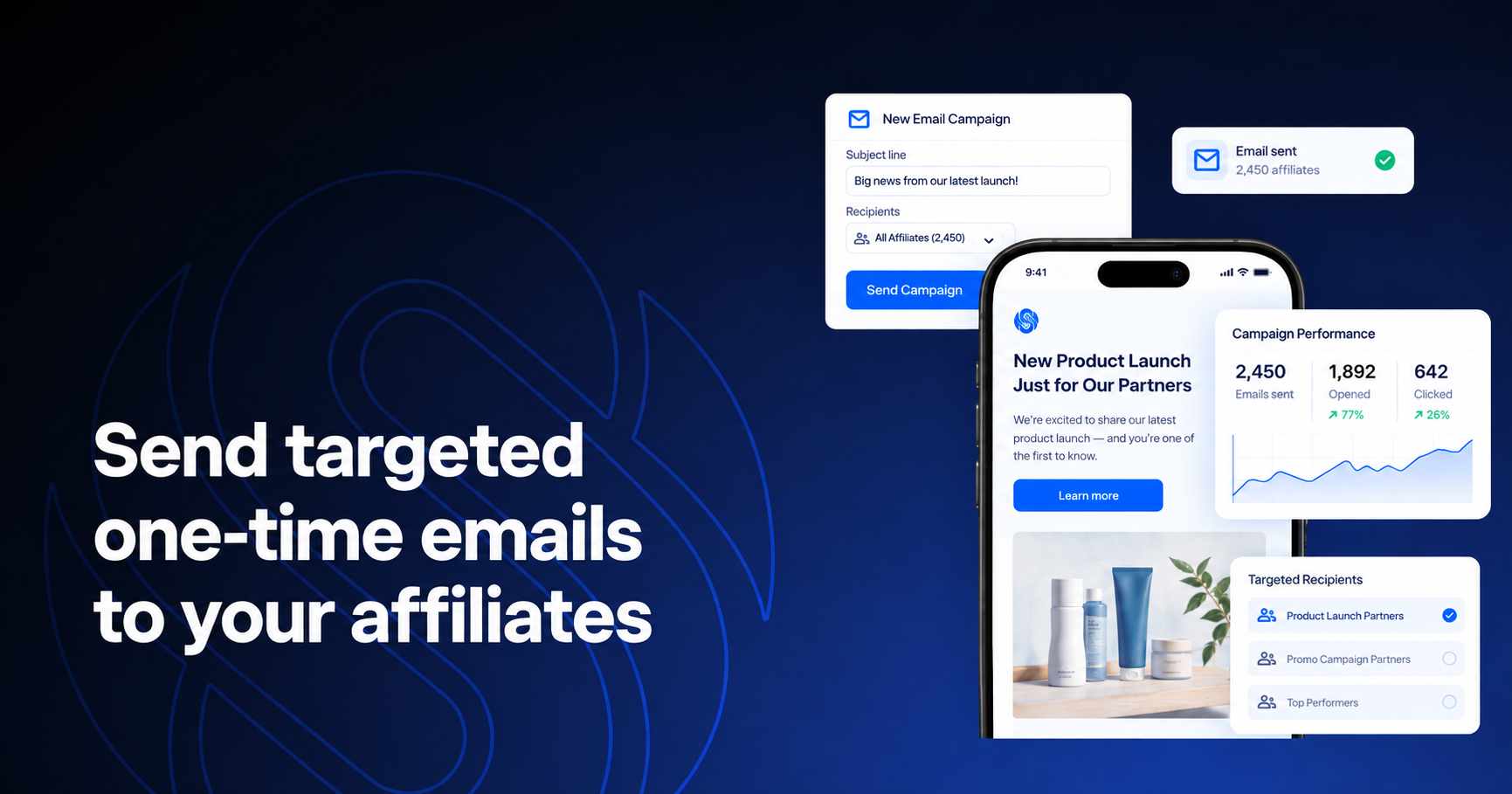
With Email Campaigns, you can build branded, personalized emails, choose your recipients, and track email performance, all from the platform.
The challenge: Reaching the right affiliates with the right message
As your affiliate program grows, you’ll need to communicate with partners across different programs and campaigns. For example:
- A new product might only apply to one program
- A commission change might affect a specific group
- A campaign opportunity might be relevant to specific affiliates
- A personal follow-up only needs to reach one partner
The challenge is segmenting your affiliate program to specific audiences without turning it into a tedious and manual task.
You need to select the right partners, send them the relevant message, and keep that communication connected to your affiliate program.
If your communication is usually on an external email platform like Klaviyo, you have to manage the audience and the message separately from your affiliate program, adding another step whenever you need to send an email.
That makes targeted communication harder to manage as your program grows. The more programs, campaigns, and partner segments you have, the more effort it takes to keep your messaging relevant and make sure the right affiliates receive it.
How Email Campaigns on Social Snowball simplify affiliate communication
Email Campaigns lets you send one-time email flows to specific groups of affiliates directly from Social Snowball. When you create a campaign, you can choose:
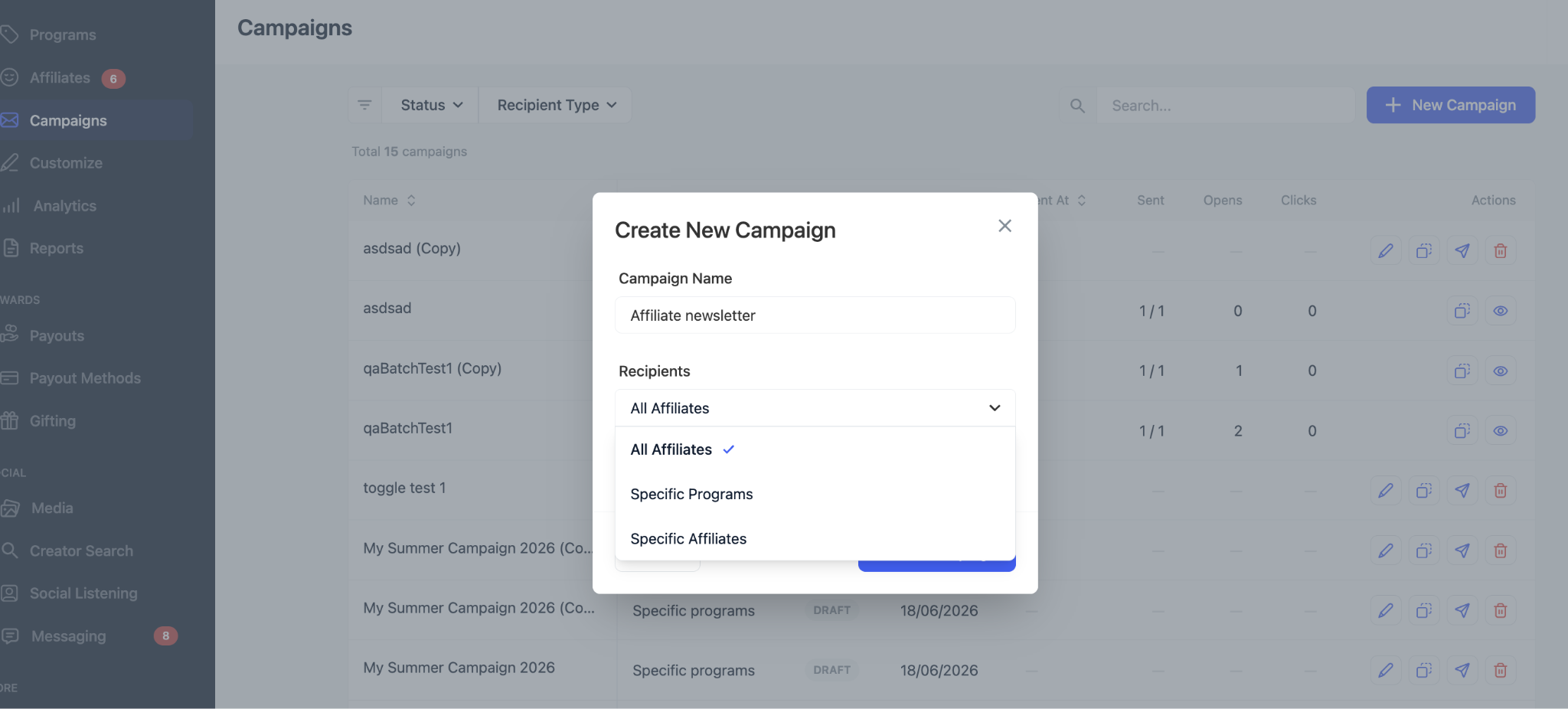
- All affiliates for a mass blast
- Specific programs when an update applies to one or more programs
- Specific affiliates when you need to reach individual partners
You can use these one-time campaigns to:
- Announce a new product or collection
- Share a limited-time promotion
- Communicate commission or incentive updates
- Invite affiliates to a new campaign
- Announce a giveaway
- Send a monthly newsletter
- Invite affiliates to a webinar
- Re-engage inactive affiliates
- Share important affiliate program updates
- & so much more!
For a detailed walkthrough of the setup and sending process, see the Social Snowball Help Center tutorial.
The platform includes a few safeguards to keep sending straightforward:
- Unsubscribed affiliates are automatically excluded from campaigns.
- Every email includes an unsubscribe link.
- Campaigns have a default limit of 1,000 affiliates. If you need to reach more, reach out to us and we can raise your account limit.
Email Campaigns is designed for one-time affiliate communication rather than recurring messages. For onboarding, reward reminders, and other automated communication, you can continue using your existing program emails and tools.
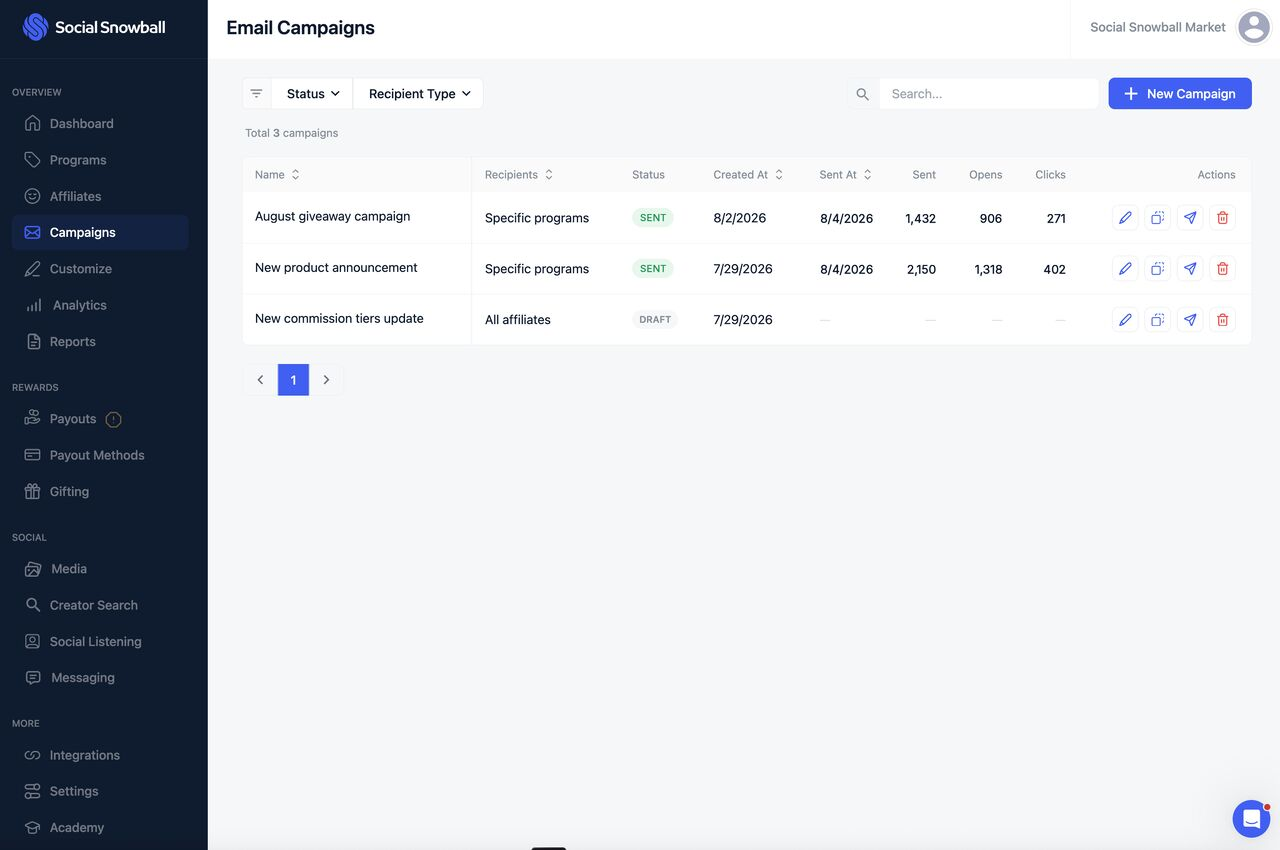
How to get started with Email Campaigns on Social Snowball
Getting an Email Campaign up and running takes a few steps:
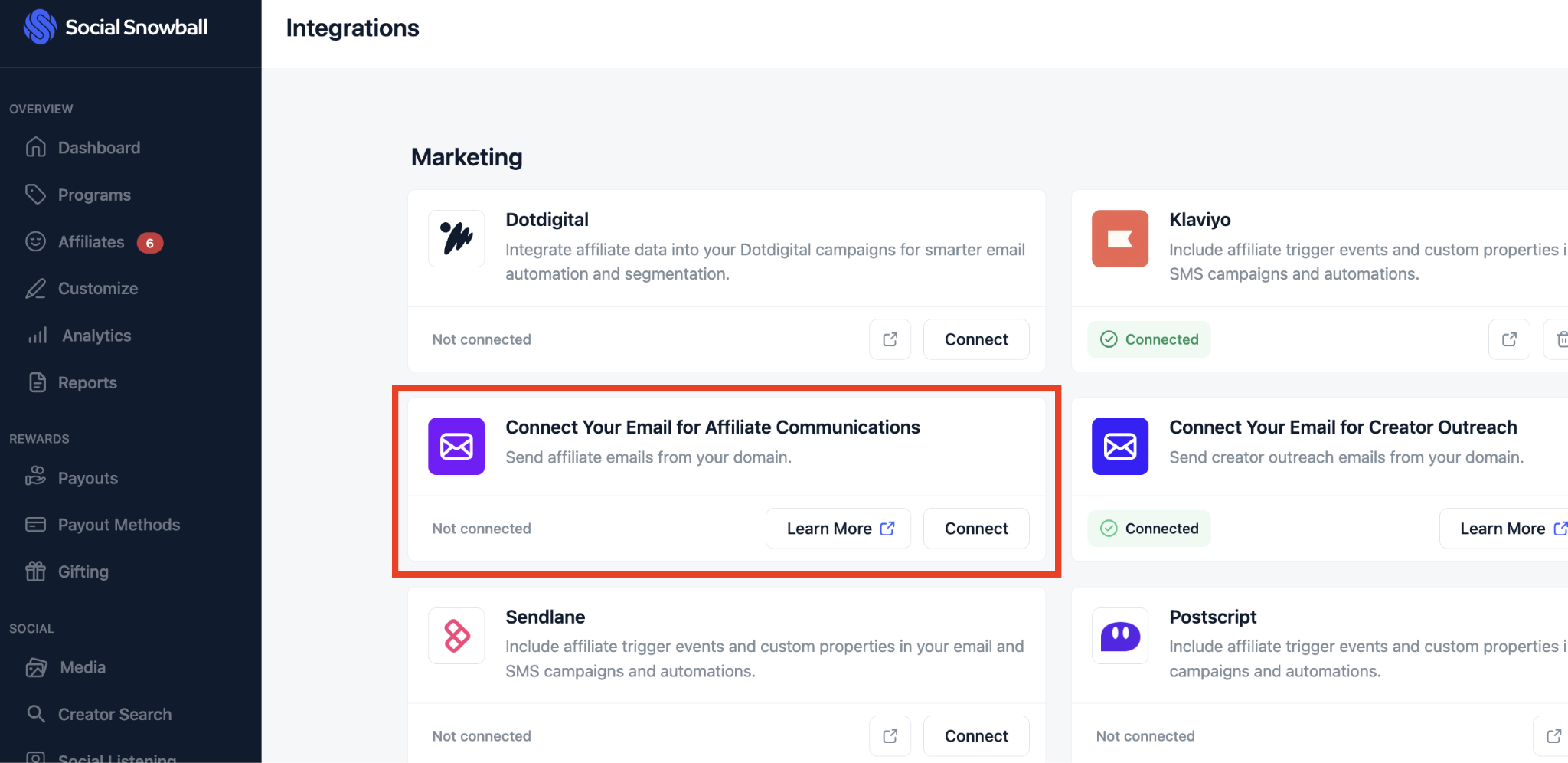
- Connect your sending domain: Go to Integrations and connect your brand’s sending domain. You need a connected sending domain before you can send a test or live campaign.
- Open Campaigns: Find Campaigns in the left sidebar. If you don’t see it, contact Social Snowball support to enable the feature.
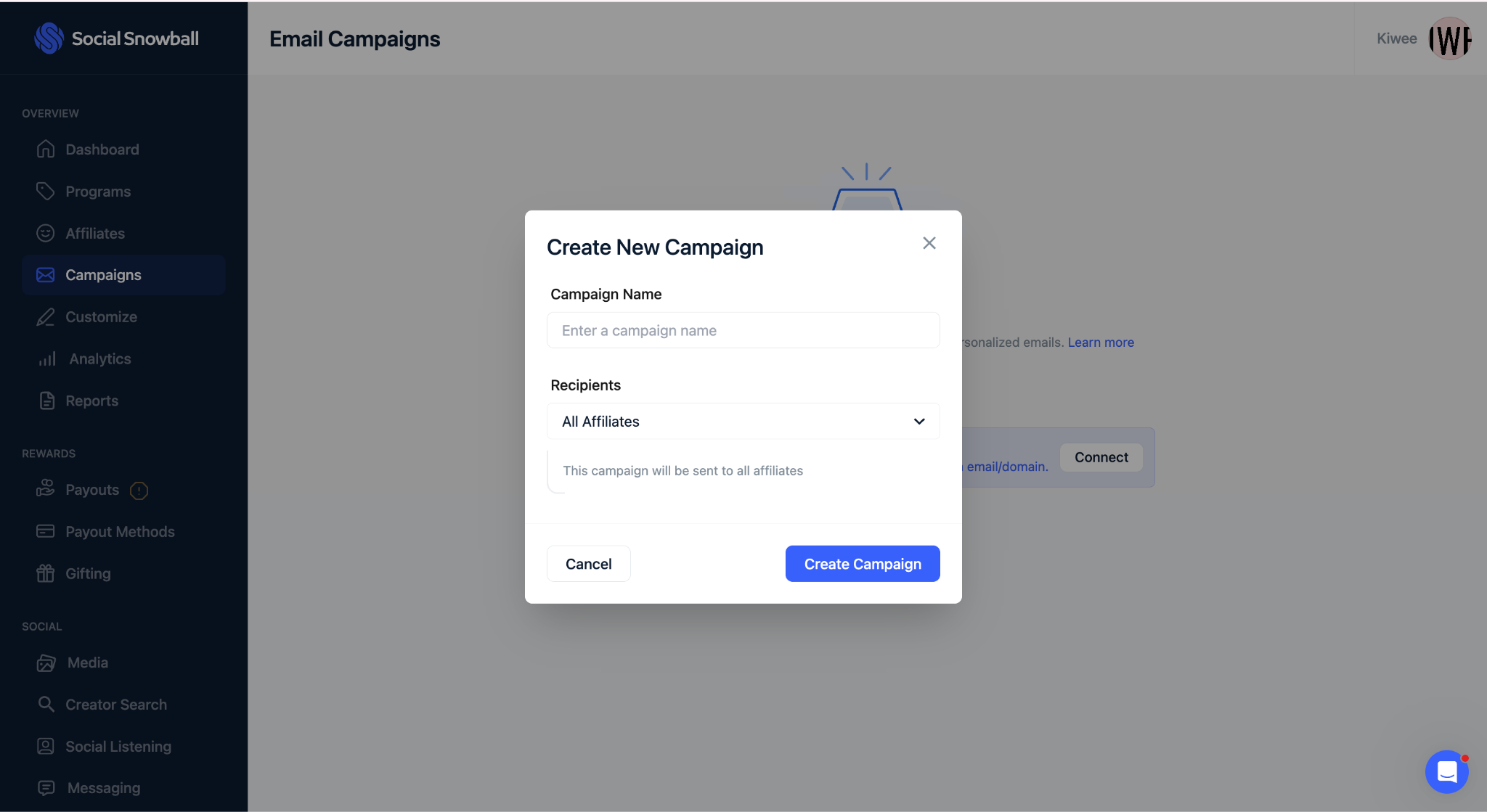
- Create your campaign: Click “New Campaign”, name it, and choose your audience. You can send the campaign to all affiliates, specific programs, or specific affiliates.
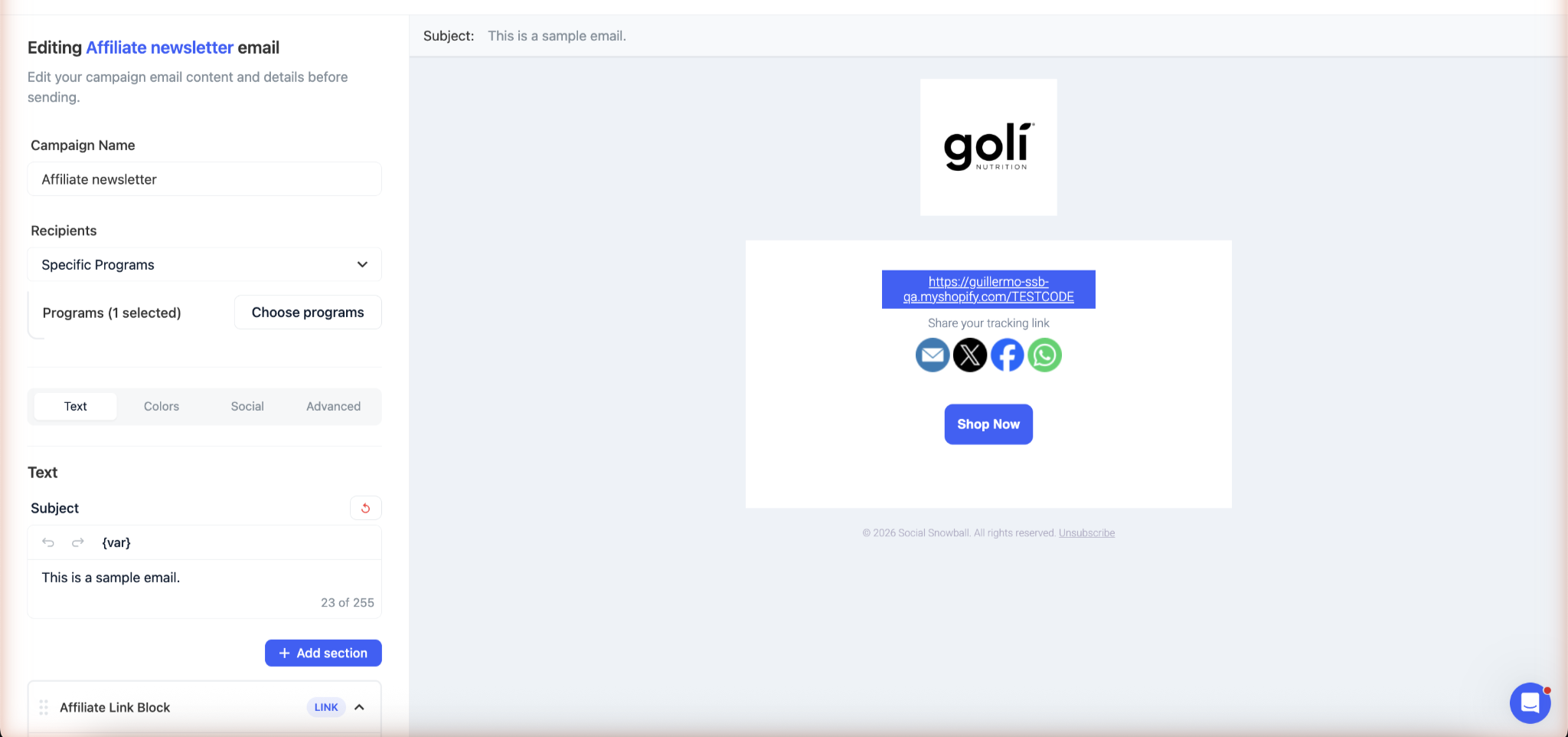
- Build and test the email: Create your email in the editor using text, links, buttons, and social sections. Add personalization such as the affiliate’s first name, affiliate link, and discount code. You can also save and preview the campaign by sending a test email.
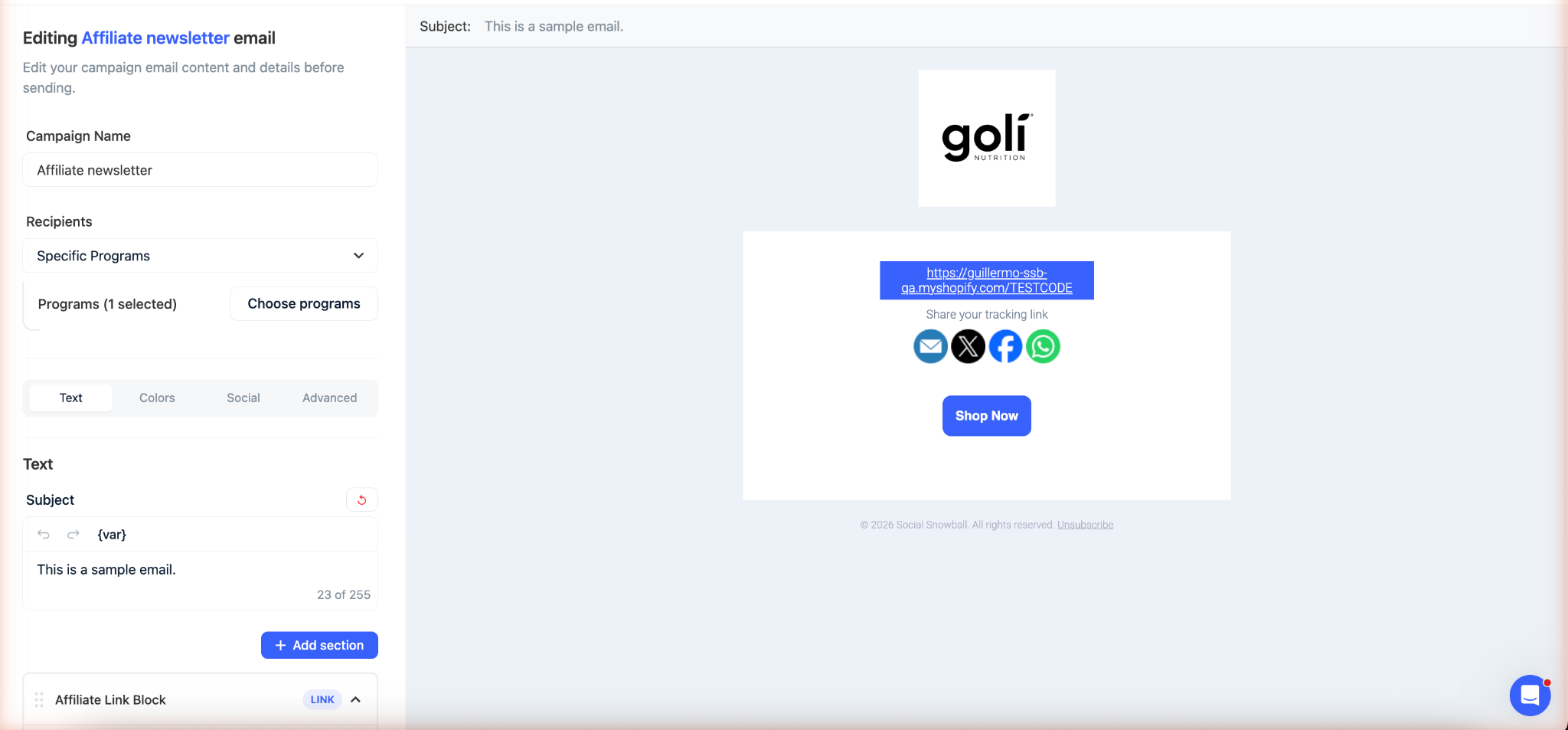
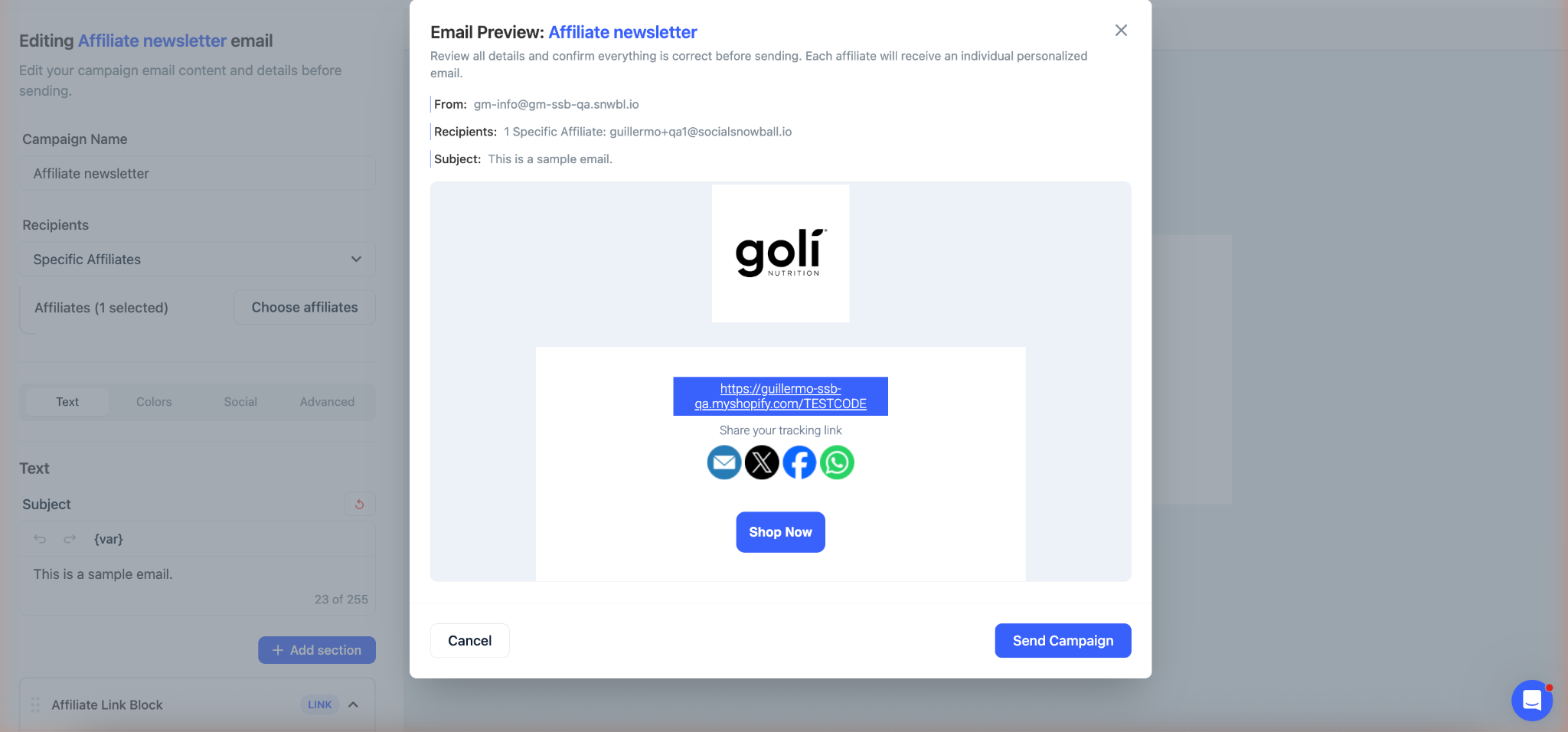
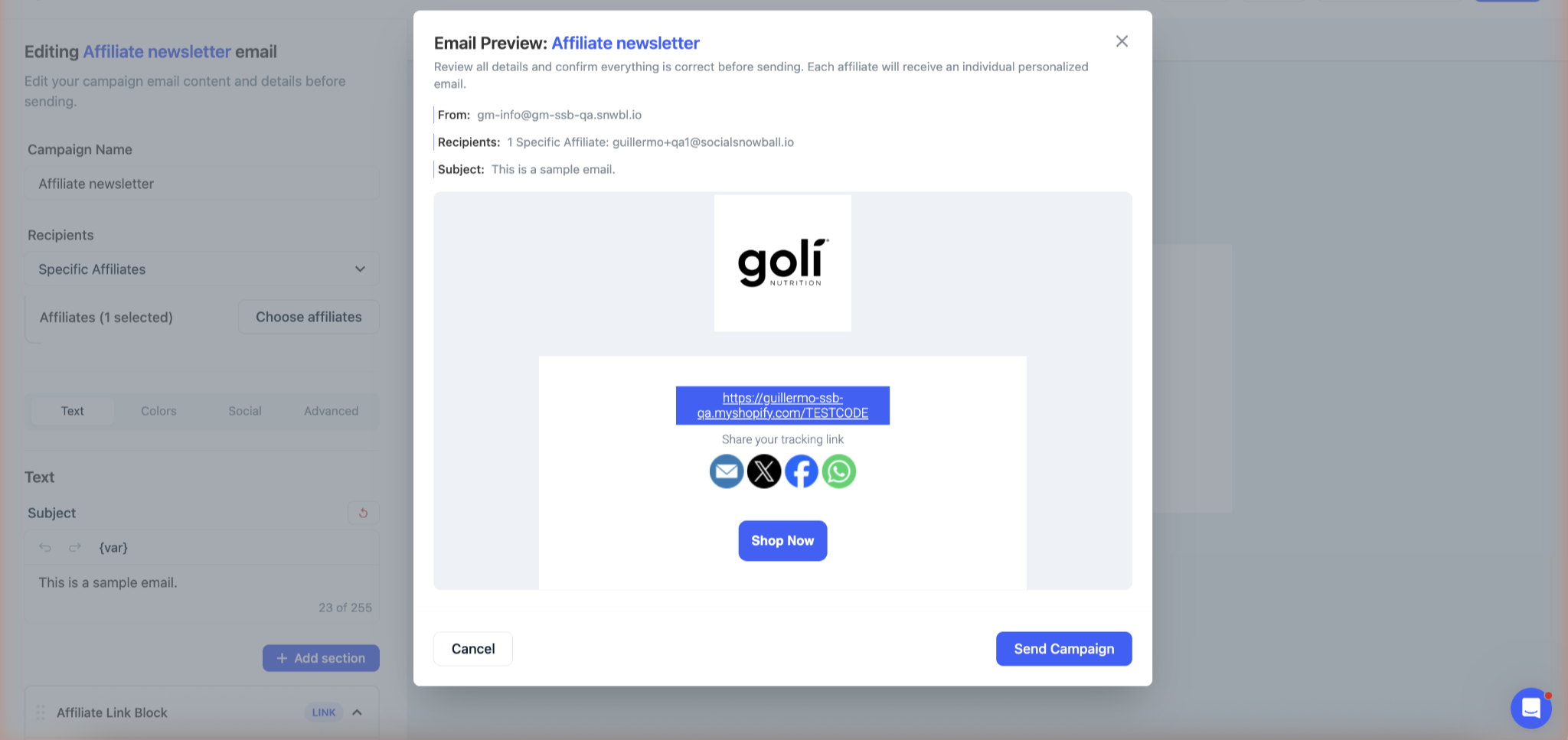
- Send the campaign: Review the final confirmation, including the “From” address, recipients, subject line, and email body, before sending.
- Track performance: After sending, open the Campaigns page to see emails sent, opens, and clicks. You can also review any failed deliveries.
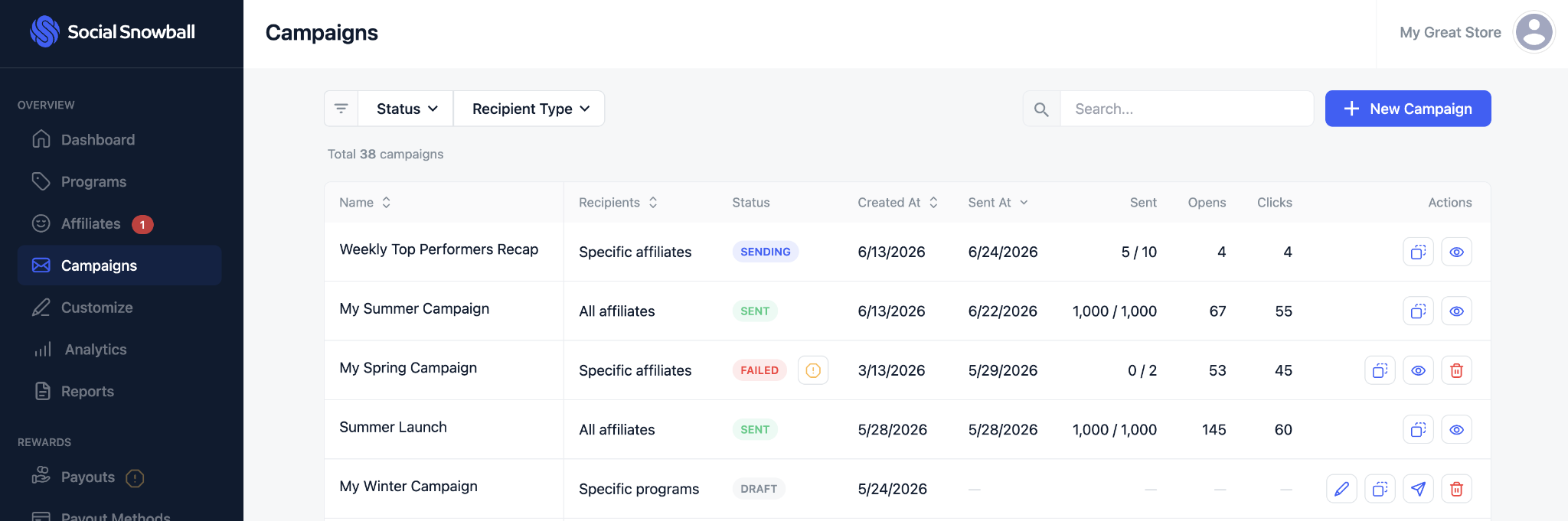
Make affiliate communication easier to manage
Your affiliates are revenue-driving partners. When you keep them informed about new products, promotions, incentives, and campaign opportunities, they can act on those opportunities faster.
Email Campaigns in Social Snowball give you a direct way to share those updates while letting you target specific programs or individual partners.
As your affiliate program grows, this gives your team a simpler way to manage ongoing communication alongside the rest of your affiliate workflow.